 JG McQuarrie |
June 1, 2026
JG McQuarrie |
June 1, 2026


Production skills can take a number of different approaches and directions, but there are always a few fundamentals that it's really important to understand. Gain staging is one of these, and it's often one that people forget about in their haste to use a bajillion plugins to get a perfect sound.
Gain staging is a vital part of the process for getting something that sounds good, so let's take a look at what gain staging is and how you can get it right to ensure your sound is as good as it can possibly be.
What is Gain Staging?
Well, this is the critical question, isn't it? Gain staging is the process of managing audio signal levels at each step of a mixing chain or recording to ensure an optimal signal-to-noise ratio, avoiding excessive noise or unwanted distortion. It involves adjusting input strength — gain — at every point, from plugins to preamps, keeping signals in a "sweet spot" to ensure proper headroom, clarity, and a professional-sounding final mix.
Let's take a look at this in a little more detail because understanding proper gain staging and what's involved with it will make a massive difference to your ability as a producer.
What you're doing when you are gain staging is getting your audio to a perfect, optimal dynamic range so that it's in an ideal state for the next processor in your signal chain. When you're producing, the chances are you're going to have a whole bunch of plugins in your DAW (Digital Audio Workstation), and gain staging will ensure that each one in the chain gets the best quality audio signal, so you get the best quality final result.
Good gain staging can be the difference between a track that sounds awesome and a track that sounds appalling.
Gain Staging: Definitions
Before we go any further, it's worth defining the different terms that will be used when discussing gain staging. Understanding these will make your life a lot easier and help you make more informed decisions about the gain staging you want to undertake.
Signal
The thing you've recorded, in essence. Whether that's a singer, a synth, a musical instrument, a sound effect, or anything else, the signal is the thing you've captured and are producing.
It's also worth remembering that gain is not the same as volume, although the two are related. Volume is the overall loudness that you hear when listening to the recording. Gain optimizes the signal strength. Therefore, adjusting gain is not the same as adjusting volume.
Gain Staging
The process of ensuring that the signal level of your audio is set appropriately for the signal chain.
Noise
Basically, anything on your recording that isn't the thing you're actually recording! This can be any sound that gets captured but that you don't want - hum and hiss from equipment or voltages, crackle from a poor-quality lead, instruments bleeding into one another... The list of noise is nearly endless, but it's something you want to eliminate as part of your gain staging process. Proper gain staging will help minimize noise and keep your recording clean. The less noise you have, the better things will sound.
Noise Floor
This is the point when you are gain staging where the noise becomes louder than the actual signal. The more you amplify or increase your signal across different parts of your chain, the more you increase the volume of the noise and thus increase the noise floor.
Signal-to-Noise Ratio
This is the difference between the signal and the amount of noise. This is measured in decibels (dB) and is the difference between the noise floor and the "operational level" of the signal. The higher the signal-to-noise ratio, the lower the amount of noise is and the less you can hear it. The lower the signal-to-noise ratio is, the more noise you'll hear on playback.
Distortion / Clipping
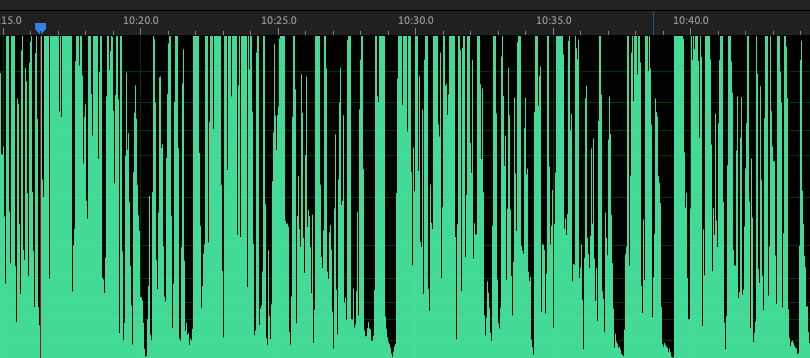
You know what distortion is when you hear it - it's when the signal is too strong for any part of the stage and, well, distorts! This is often caused by the volume - the strength of the signal - simply being too loud.
When you record audio in a DAW, you see the sound represented as a wave. If the sound is too loud, the tops of the wave are cut - or clipped - off, which causes the distortion you hear. That's what clipping is: the tops of the waveform being clipped off for being too high. This can occur at any point in the gain staging process, and often when adjusting things like EQing or the dynamics of the sound. Each part of the signal chain needs to be checked to avoid this, starting at the beginning and working all the way through.
Peak/RMS
Peak volume and RMS (Root Mean Square) are different ways to measure the signal strength. RMS is the average level of the signal across what you've recorded, whereas peak is the loudest part of the signal. When you get clipping, it's because the peak volume is set too high. Both Peak and RMS are useful ways of figuring out how loud your signal should be.
Nominal Operation
This is where the average volume (the RMS) is just below the point where the signal starts to clip.
Headroom
Headroom is the "space" between the nominal operation and clipping. For example, if your signal is 50dB loud and it starts to clip at 55dB, the headroom is 5dB. The more headroom you have, the less likely you are to have clipping caused by unexpected peaks. However, the lower your headroom, the louder the overall signal will be.
Balancing headroom is something you need to learn if you want to properly gain stage, as it affects the overall audio signal, not just one point in the signal chain. It's also important to have a little headroom in the mastering stage in case there are any chances you want to make there that affect the overall signal strength.
Unity Gain
Unity gain is when you have input and output levels set to the same. That means the piece of equipment or plugin is neither increasing nor decreasing the level of the signal and keeps it the same.
Audio Interface
If you're recording acoustic instruments or vocals, you're going to need something to sit between the instrument or vocalist you're recording and your computer to convert the signal into something the computer can understand. That thing is an audio interface. The audio interface captures sound and changes it into something that can be stored in a DAW.
Some audio interfaces come with auto setup. If you're in a hurry or if you're relatively inexperienced, this can be useful, and auto setup will help you find the right gain so you can worry about other things. However, the more experienced you get, the less you will come to rely on auto setup. A human ear is always better than a piece of technology!
Gain Staging: Analog vs Digital
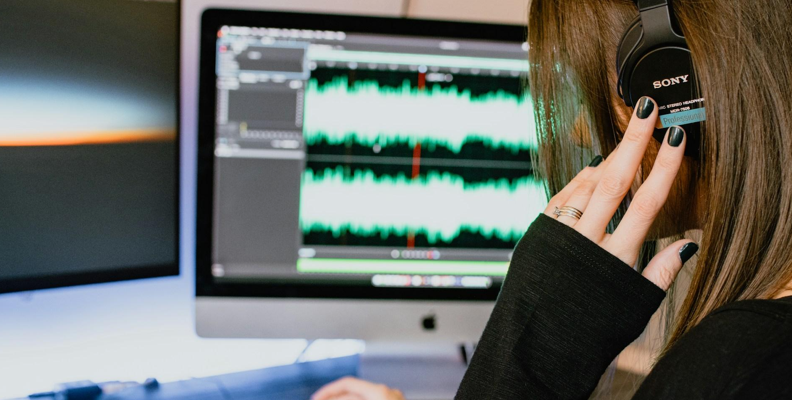
As you might expect, gain staging with analog equipment is a little different from gain staging with digital equipment.
Any analog gear you use will have a physical limit, above which you will inevitably get distortion. This is especially true of guitar amps, but it's the case with any piece of analog equipment. Setting the level here is important because you want to ensure you have enough headroom before the distortion occurs (or if you like the way the distortion sounds, you may choose to intentionally distort as well, of course, but that means you have no headroom).
This will, in theory, produce optimal sound quality from your equipment.
Digital equipment can produce digital distortion as well. The ceiling for this is at 0 dBFS (decibels relative to full scale), and anything above that level will lead to digital clipping, which produces a harsh, unpleasant screeching noise. As with analog equipment, you can use this for effect, but be very careful with it - once it's there, you're pretty much stuck with it.
Gain Staging - How To Get It Right
If you want to make your gain staging life as easy as possible, you're going to want to capture the best sound you possibly can. That might sound obvious, but it's worth stating because getting things right at the recording stage can make all the difference in the world.
Get your microphones as close to your amps or your vocalist as possible so you get the strongest signal coming through - a stronger signal (without clipping, of course) means you have more to work with, and there's less chance of introducing noise to the recording.
If you're recording live, try to have as little bleed between instruments - good separation will mean you don't have to spend time fiddling about trying to remove the bleed, a tiresome and tedious process at best.
For digital instruments, ensure your levels are set so you're not going to hit the 0 dBFS ceiling. This should be relatively easy to do, but it's often missed, so it's worth paying attention to. The digital world is easier to control, but "easier" isn't the same as "easy".
The better your initial sound, the better things will go when you start gain staging.
Get Your EQ Right
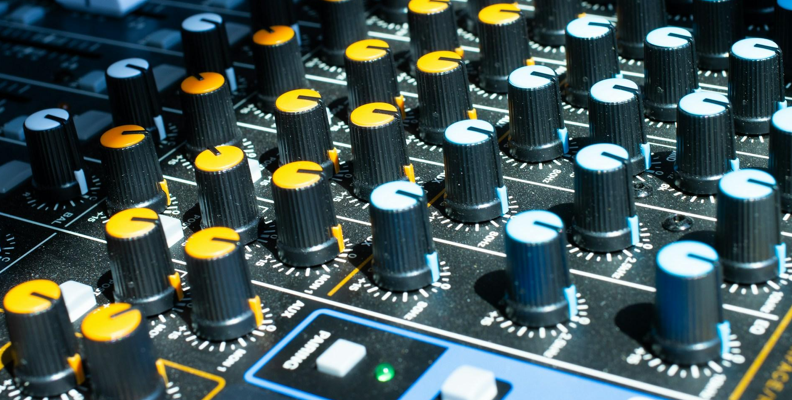
Before you start relying on plugins and other magic to get your sound right, do what you can prior to recording. The fewer steps in your signal chain, the better, and if you can eliminate one, then it saves you time and effort when you're gain staging.
If you're using a mixing board prior to recording, this should be eminently achievable. Set your EQ on the channel, ensure the input levels are giving you a strong signal without clipping, and adjust the EQ until you're satisfied with the result.
You may still need to do additional tweaking once the recording is finished, but getting it right early on can save loads of time later. If you need to EQ when gain staging, do it early on, and ideally first.
Headroom
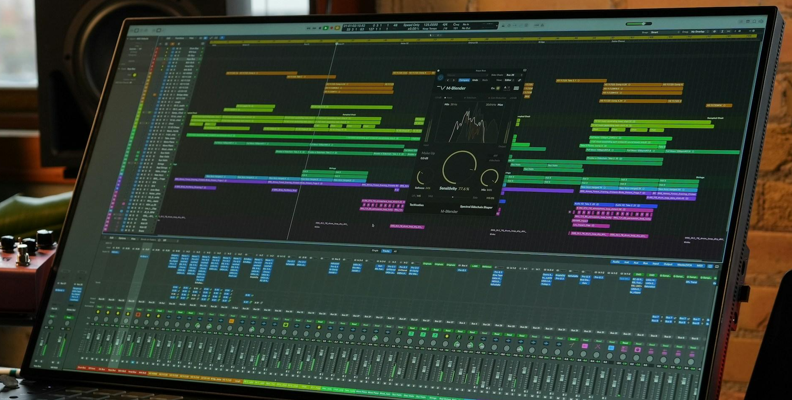
Make sure you have some! Those extra few decibels can be an absolute lifesaver, so when you're gain staging, be sure not to lose them because you'll need them when it comes to mastering as well.
You don't normally need to have a huge headroom, a few decibels will normally do it. Having a little space available in case you do need to nudge up the signal will be invaluable.
Lowering Gain
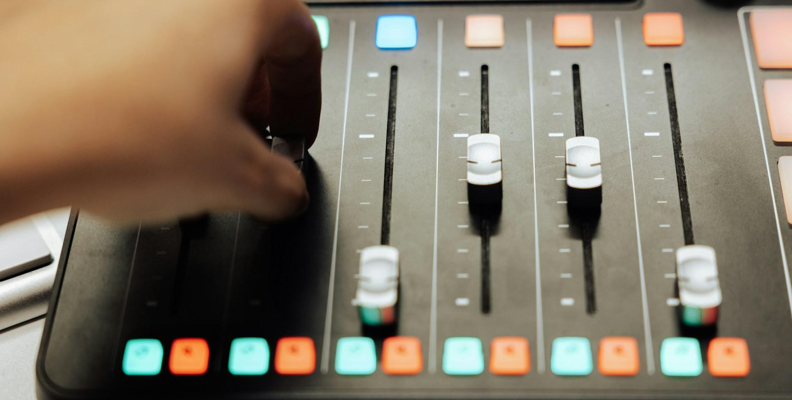
If you need to apply some gain reduction - if something's too loud or in danger of clipping, for example - it's best to do it using a plugin rather than a fader. You should have your faders for all the tracks at roughly the same level when you start gain staging - it's good practice, and it will help you when you need to find unity gain.
Too Many Plugins = Too Many Problems
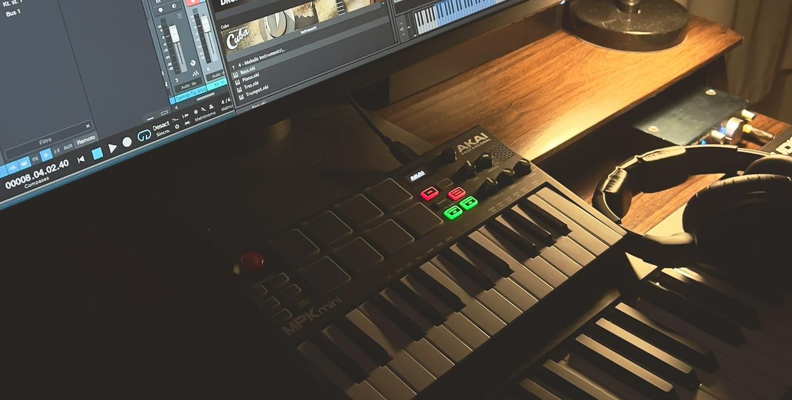
We all love to experiment with new sounds, new techniques, and new approaches. And there's a near infinite number of plugins available to help the canny producer generate just about any sound imaginable (and plenty more that aren't).
However, more isn't always... more. When it comes to gain staging, the more plugins you have in your signal chain, the more difficult the gain staging is going to be. The more plugins your signal has to pass through, the greater chance there is of the noise being increased or the quality being decreased. You might find it difficult to avoid distortion. Clipping might occur. There's a host of problems that can be introduced by having too many plugins in your signal chain.
That doesn't mean you can't have a lot, though. It's not a hard and fast rule. If you're experienced and know what you're doing, you might find it possible to have dozens without any issues. If you're just starting out, start with fewer plugins and then gradually increase as your skill with gain staging improves.
Gain Staging is Not the Same As Mixing
While gain staging and mixing are obviously related, they are not the same thing. Gain staging refers to the way you control and shape your signal. Mixing is about getting different signals to sound good together and produce a single, cohesive track.
Conclusion
There are many skills that are necessary for really top-tier audio production, and gain staging is unquestionably one of them. Though there are a lot of terms to learn, it's a really crucial skill that any good producer should understand and be able to do.
And now you can!
FAQ
Why is Proper Gain Staging so Important
The simple answer is, "because it makes what you record sound good". If you want to get the best out of your recording, you need to gain stage.
It will help you produce a great mix, you'll avoid clipping, distortion, and other unpleasant audio artifacts, and it will help you get the best out of your plugins.
It will also help you avoid anything sounding too "muddy", improve the clarity of what you have recorded without simply cranking the volume, and it will help ensure enough headroom is available when you reach the mastering stage.
Gain staging is a balancing act, ensuring that everything comes together in the right way, but when it does, it will make the world of difference.
How Do You Know if Your Gain Staging is Correct
There are a number of ways to be sure your gain staging is correct.
You should have a constant and consistent volume whether a plugin is turned on or off. If there's a big change, the volume balancing is off and needs to be looked at.
You should have good headroom available, ideally around -5 dBFS. This will make it easy for any mastering engineers who need to work on your track (even if that mastering engineer is you!)
Your track should also have a low noise floor. Your track will be loud without having any hiss, and the lower the noise floor you have, the better.
If you're using VU meters (and you should be using some kind of metering), you should never see anything entering the red. If that happens, clipping is going to occur. If your needle or display is just outside the red, this is going to be pretty much optimal.
If you get all that right, you're nailing it!